PDF tools in one app: merge, split, sign, compress and more
PDF Toolbox does the everyday jobs people reach for a PDF tool for, entirely on the phone. Your files are processed on your device and never uploaded, there is no account to create, and it works offline.
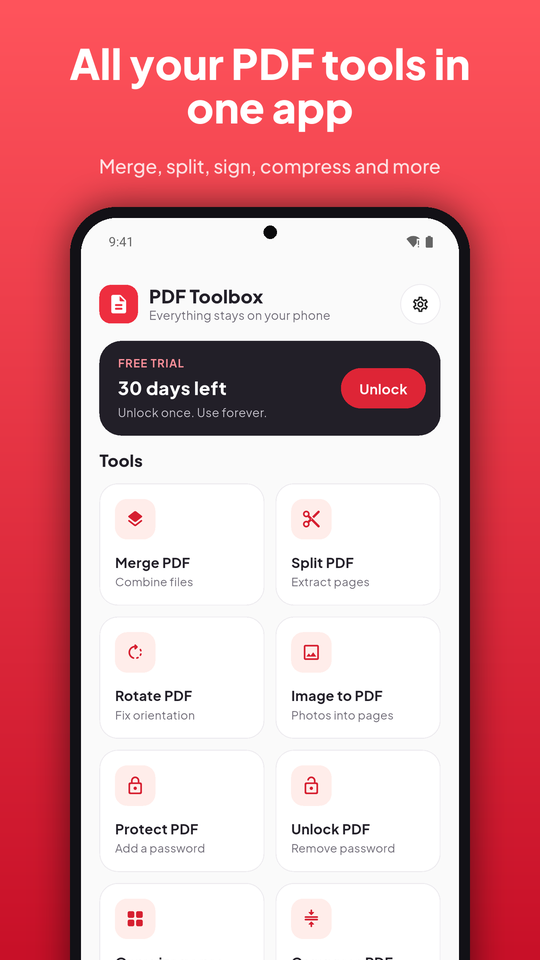
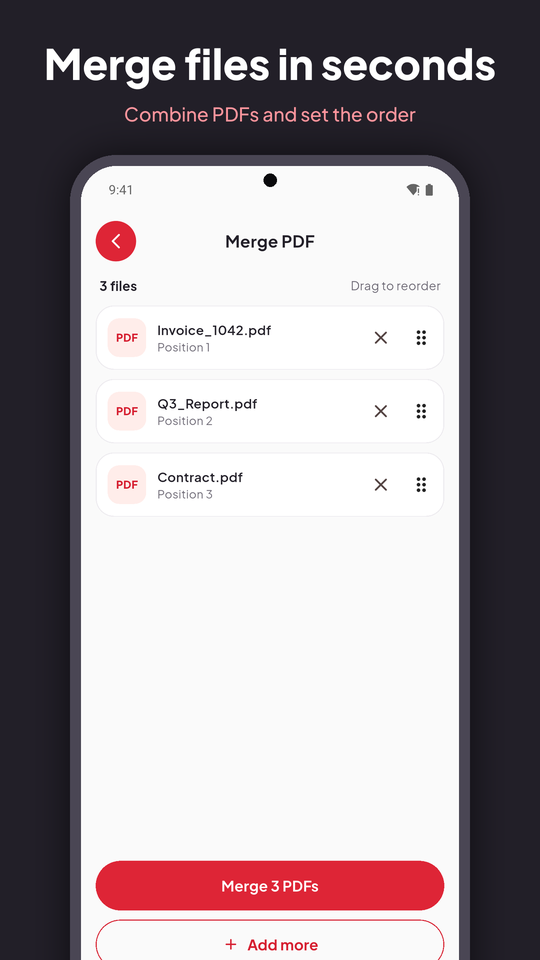
- Merge several PDFs into one and drag them into order
- Split a document by page ranges or into fixed-size parts
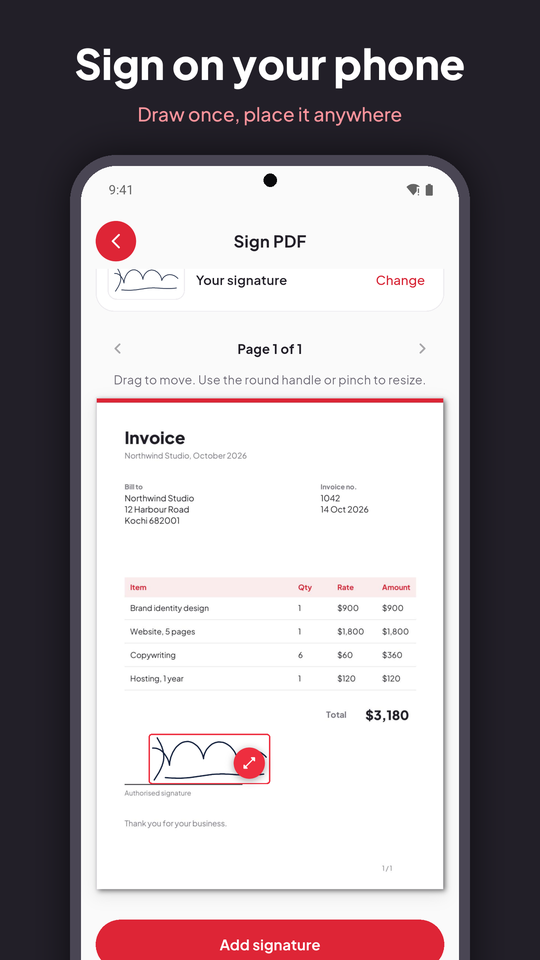
- Sign a PDF: draw your signature once, then place and resize it on any page
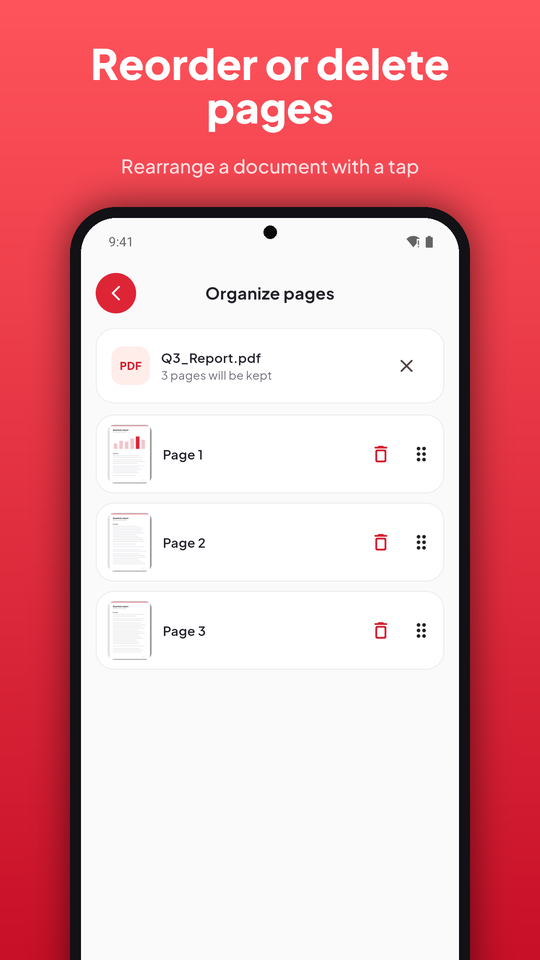
- Organize pages: delete pages or reorder them with page previews
- Compress large files so they are easy to share
- Rotate sideways pages, and turn images into a PDF
- Scan to PDF with the camera, with automatic edge detection
- Protect and unlock PDFs with a password; protected files ask for it in every tool
- Open a PDF from any app and choose a tool straight away; light and dark themes; 8 languages
Screenshots
Get it
PDF Toolbox is launching on Google Play soon.
View on Google PlayPurchases
PDF Toolbox is free to try for 30 days with every tool. After the trial, the tools keep working and you can still preview results; saving and sharing the finished file is unlocked with a single one-time purchase, never a subscription. Purchases are made through Google Play and handled entirely by Google. PDF Toolbox never sees your payment details.
Privacy & terms
PDF Toolbox has its own Privacy Policy and Terms of Service, covering exactly what this app collects and how it works, more specific than the site-wide policy.